Clean Up
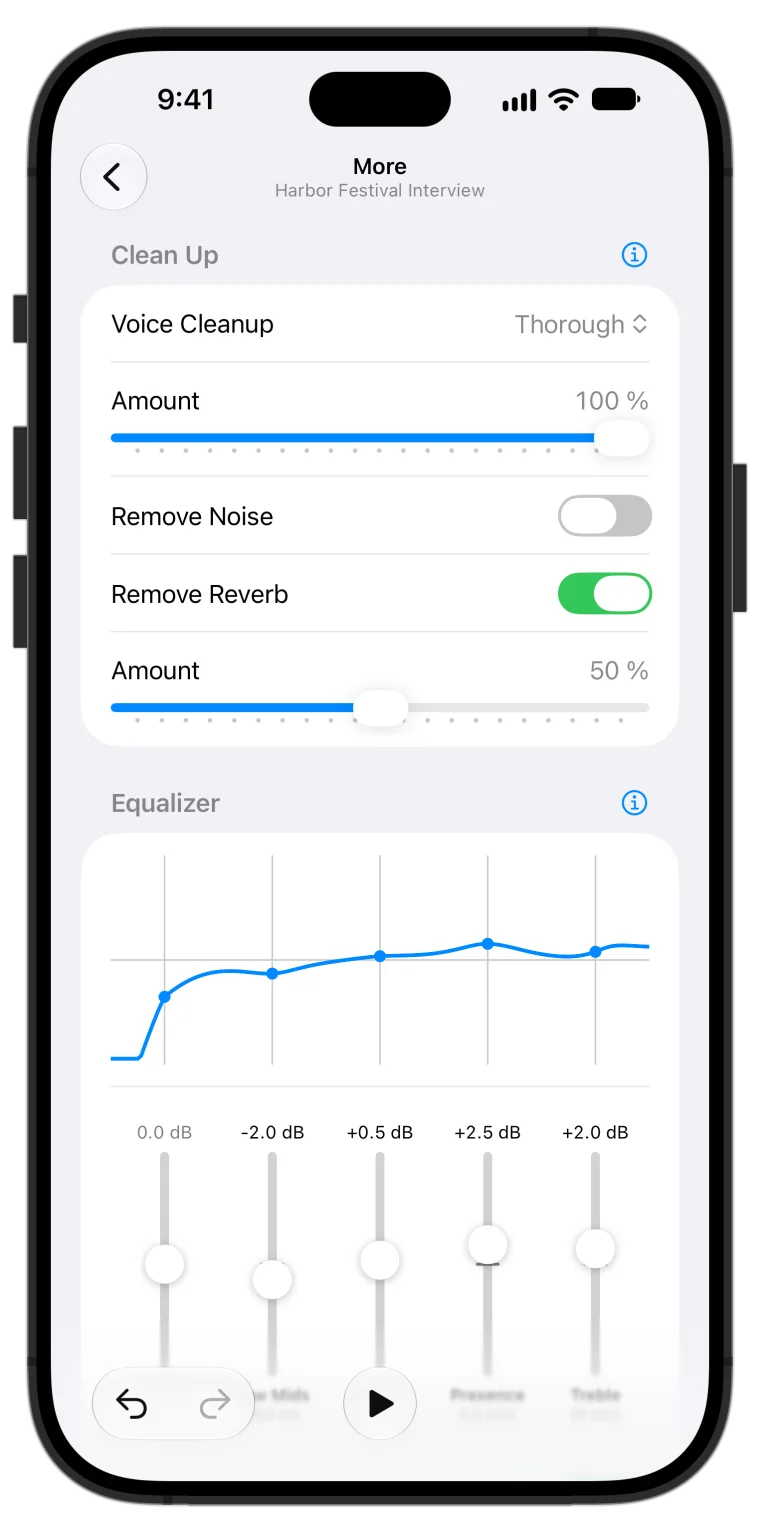
Take out noise and reverb.
Voice Cleanup filters out the noise, and Remove Reverb takes the room out of the recording. You decide how strong.
 AirReady
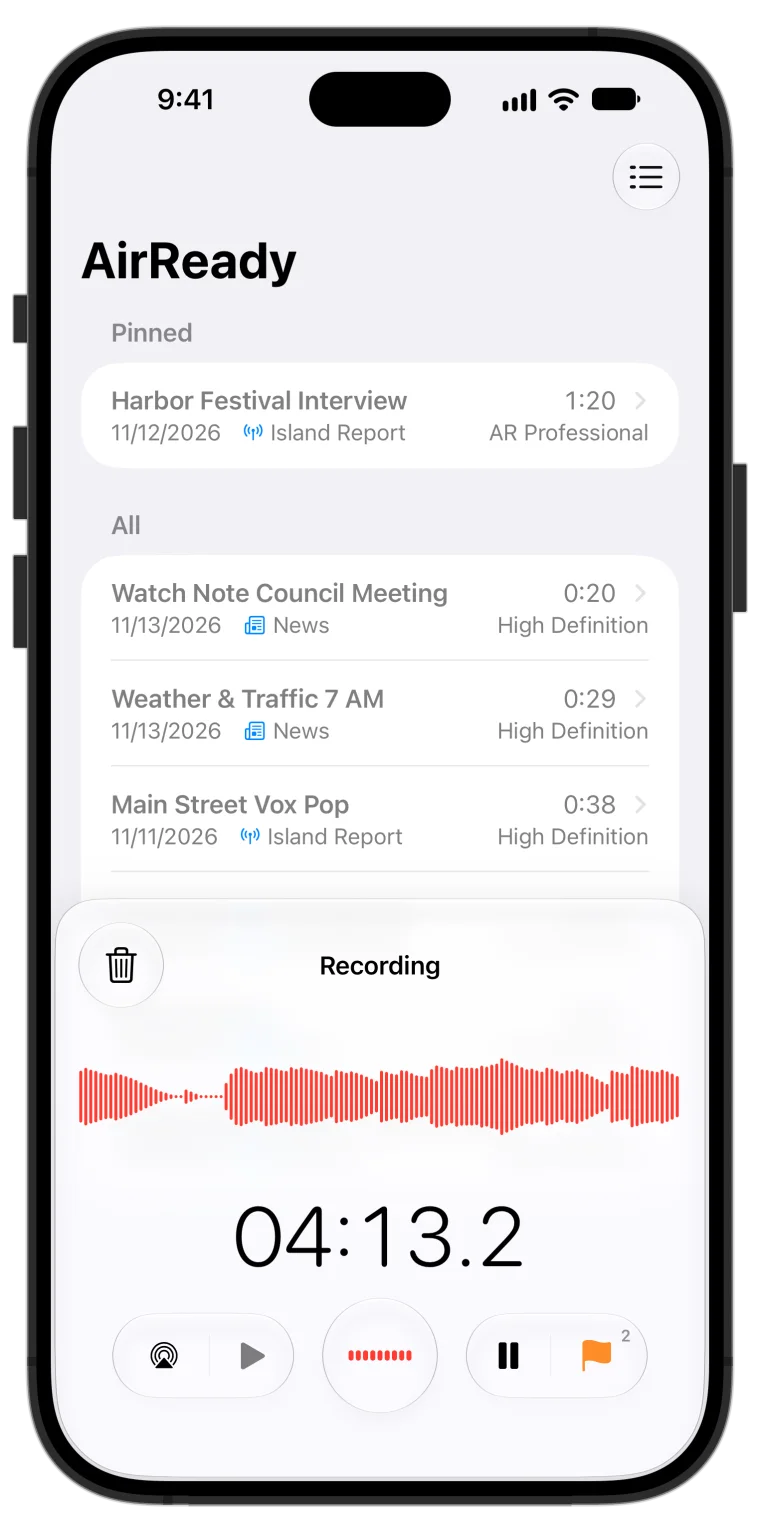
Record interviews and sound bites with your iPhone. AirReady turns them into a file you can put on air.

 Coming soon
Clean Up
Voice Cleanup takes out wind and noise. The gaps between sentences go quiet.
Cut
AirReady finds the filler words and cuts them. The interview gets 1.2 seconds shorter.
Loudness
The app measures the loudness and sets it to your target. This interview goes from −30.2 to −15.5 LUFS.
An interview at a harbor festival in Germany, recorded on an iPhone. Press play and switch to AirReady.
Sample recording in German, preset AR Professional
LUFS
Wie läuft es bisher? Also, äh, wir sind wirklich zufrieden. Ähm, seit heute Morgen kommen die Leute, und das Wetter spielt auch mit. Am Anfang hatten wir, äh, ein bisschen Sorge wegen des Windes.
The listening sample is an example recording in German. The original and the AirReady export were cut out unedited, 15 seconds each.
Cut in the transcript
How is it going so far? Well, uh, we’re really happy. Um, people have been coming since this morning, and the weather is playing along too. At first we were, uh, a little worried about the wind.
AirReady writes down what’s said. You select words and tap Remove. The app finds the uhs by itself.
You record, edit and send the finished file to the newsroom. Your iPhone is all you need.
Clean Up
Voice Cleanup filters out the noise, and Remove Reverb takes the room out of the recording. You decide how strong.
Loudness
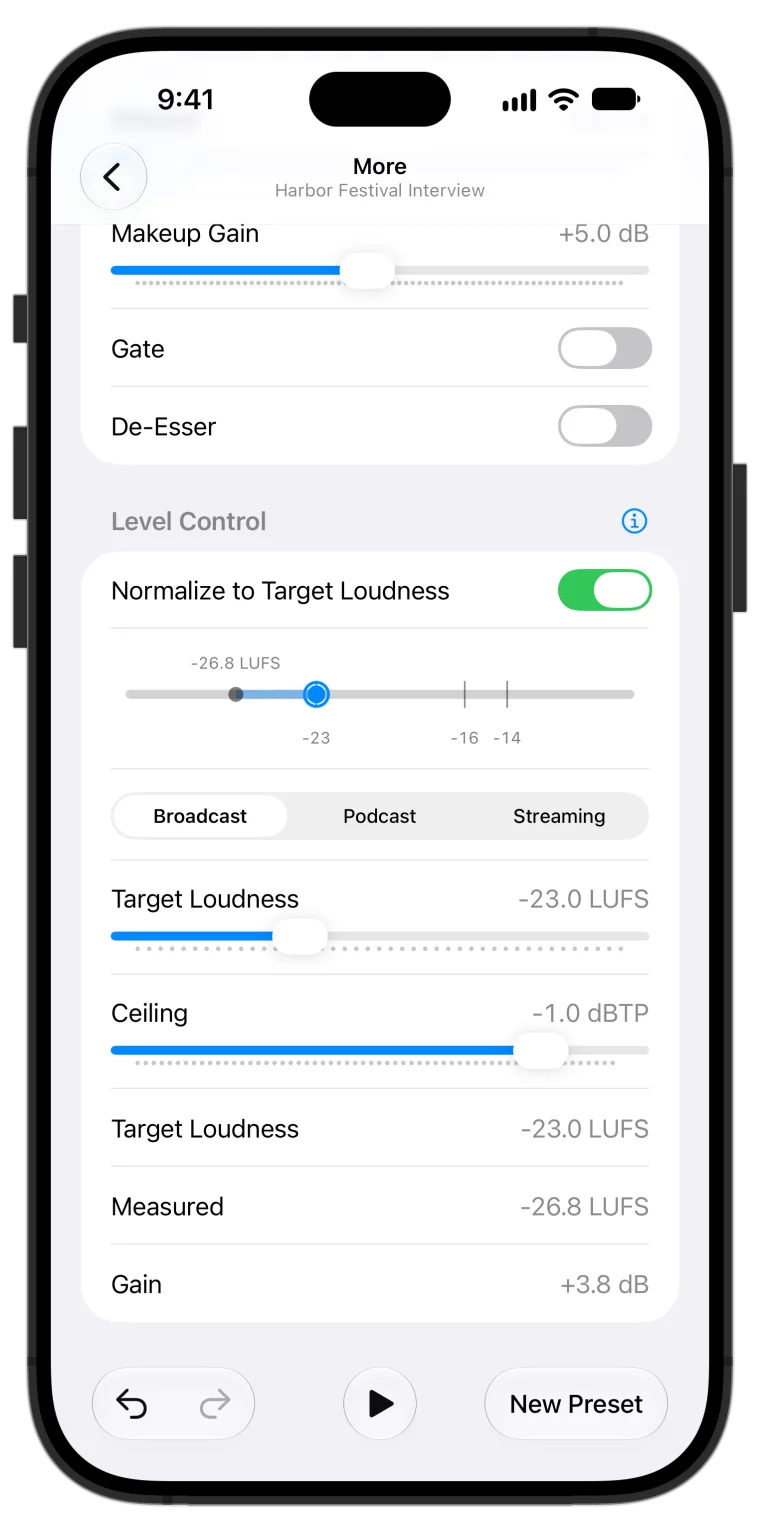
Pick Broadcast, Podcast or Streaming. AirReady measures the loudness and sets it to the target.
Share
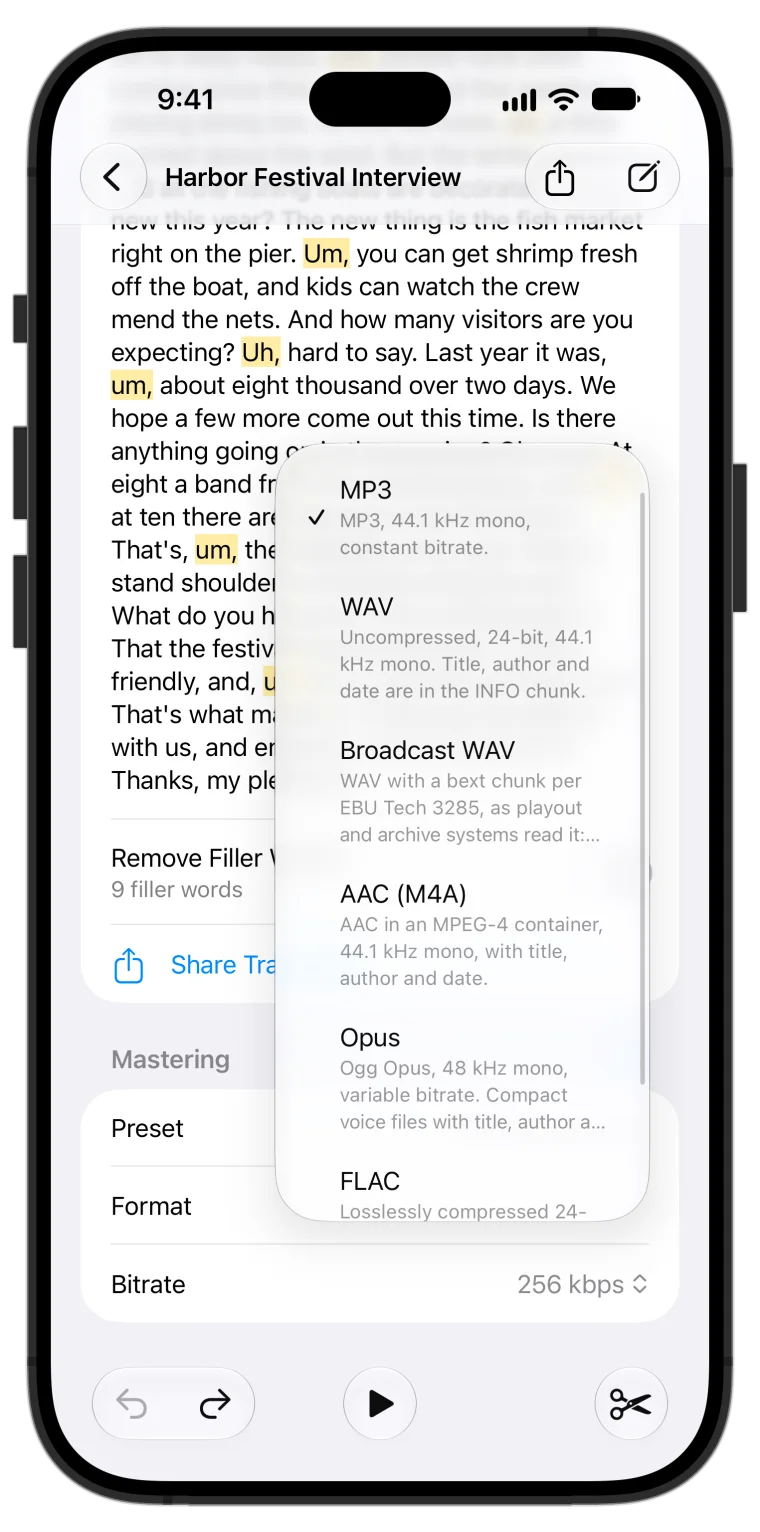
MP3 for messaging apps, Broadcast WAV for playout.
Lock Screen
Pause, marker and stop are on the Lock Screen. You can start with the widget or the Action button.
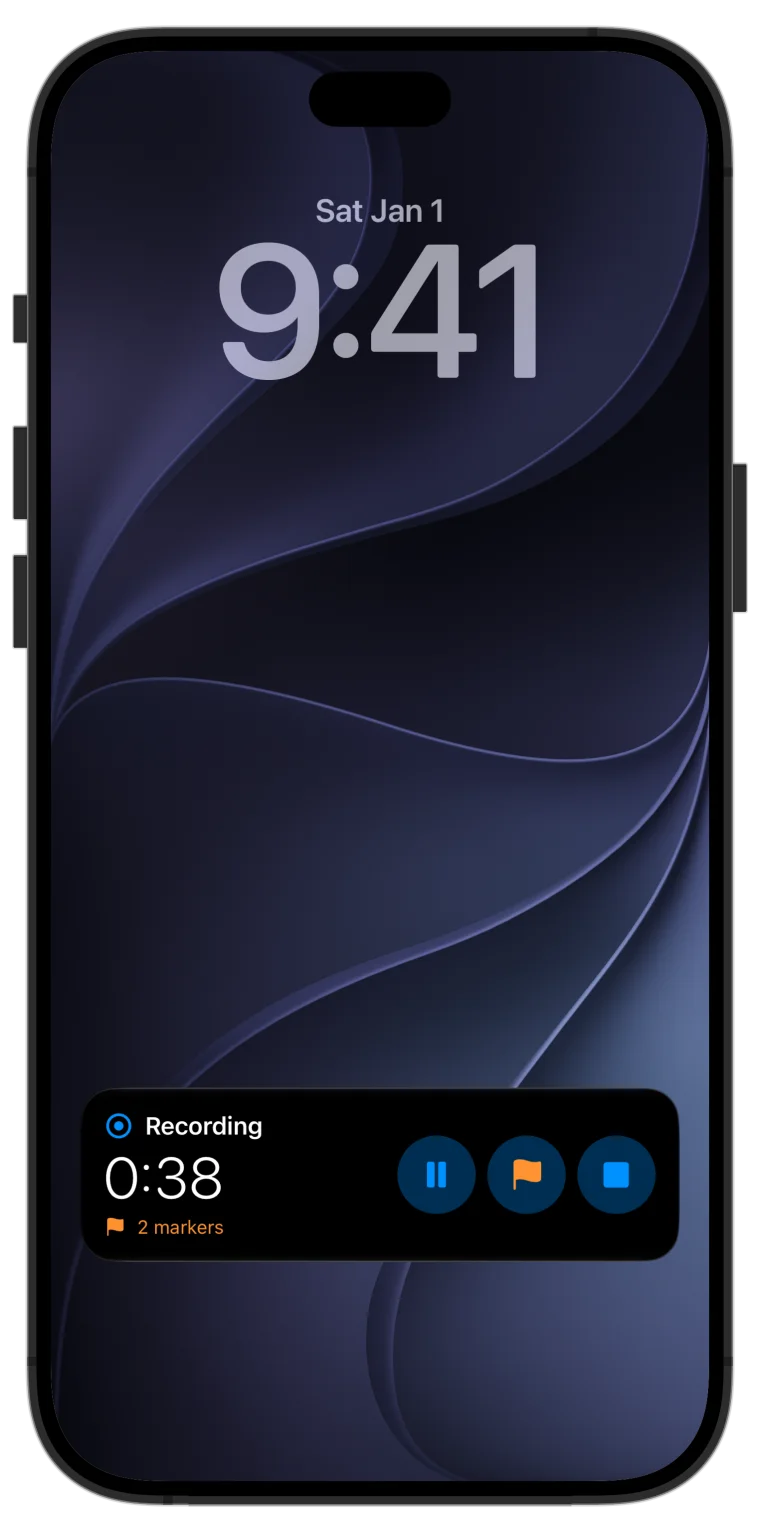
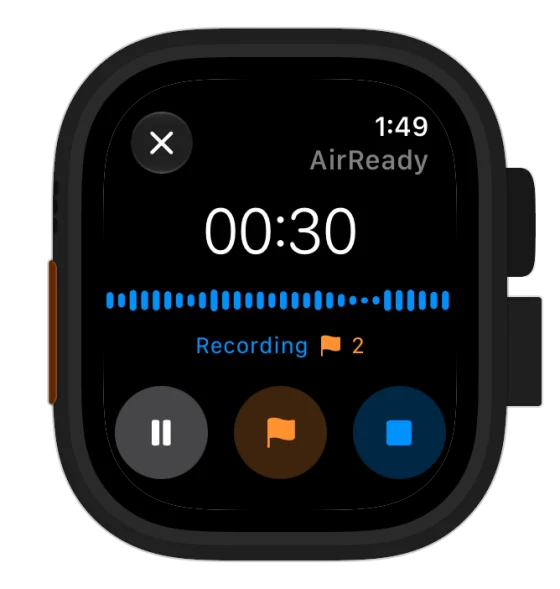
Recording starts wherever your hand happens to be. On your wrist, on the Lock Screen or at your desk.
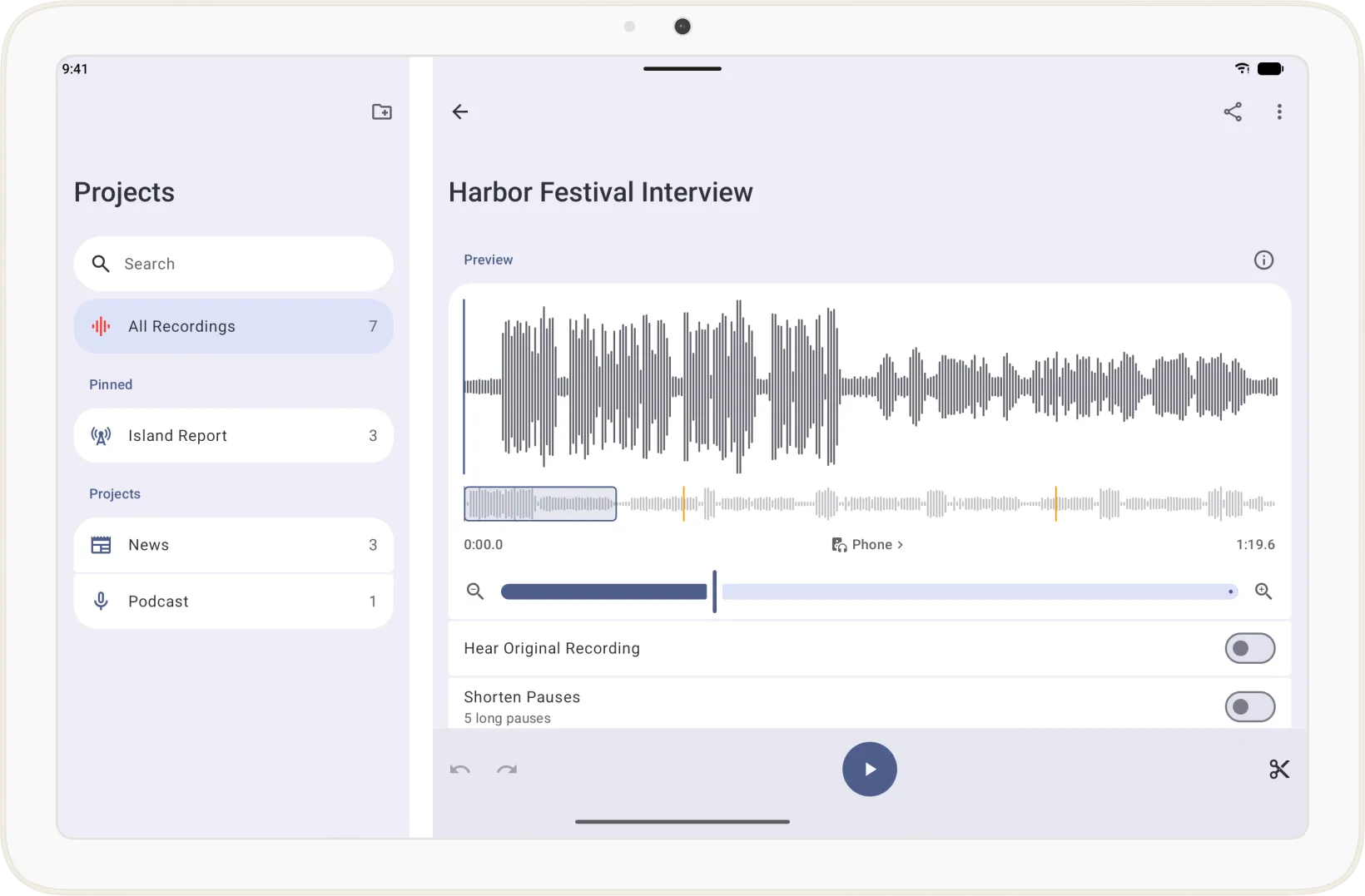
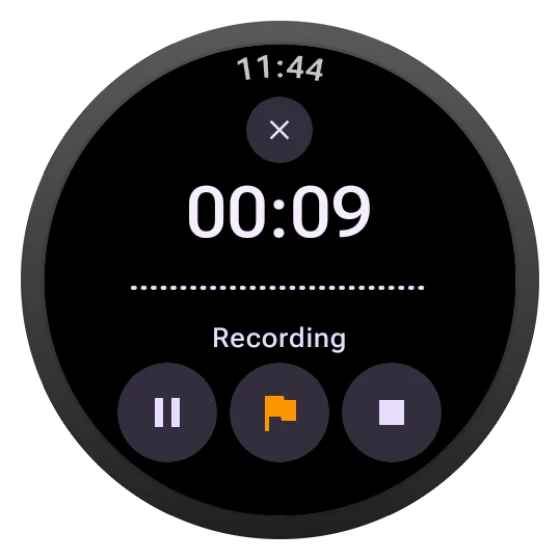
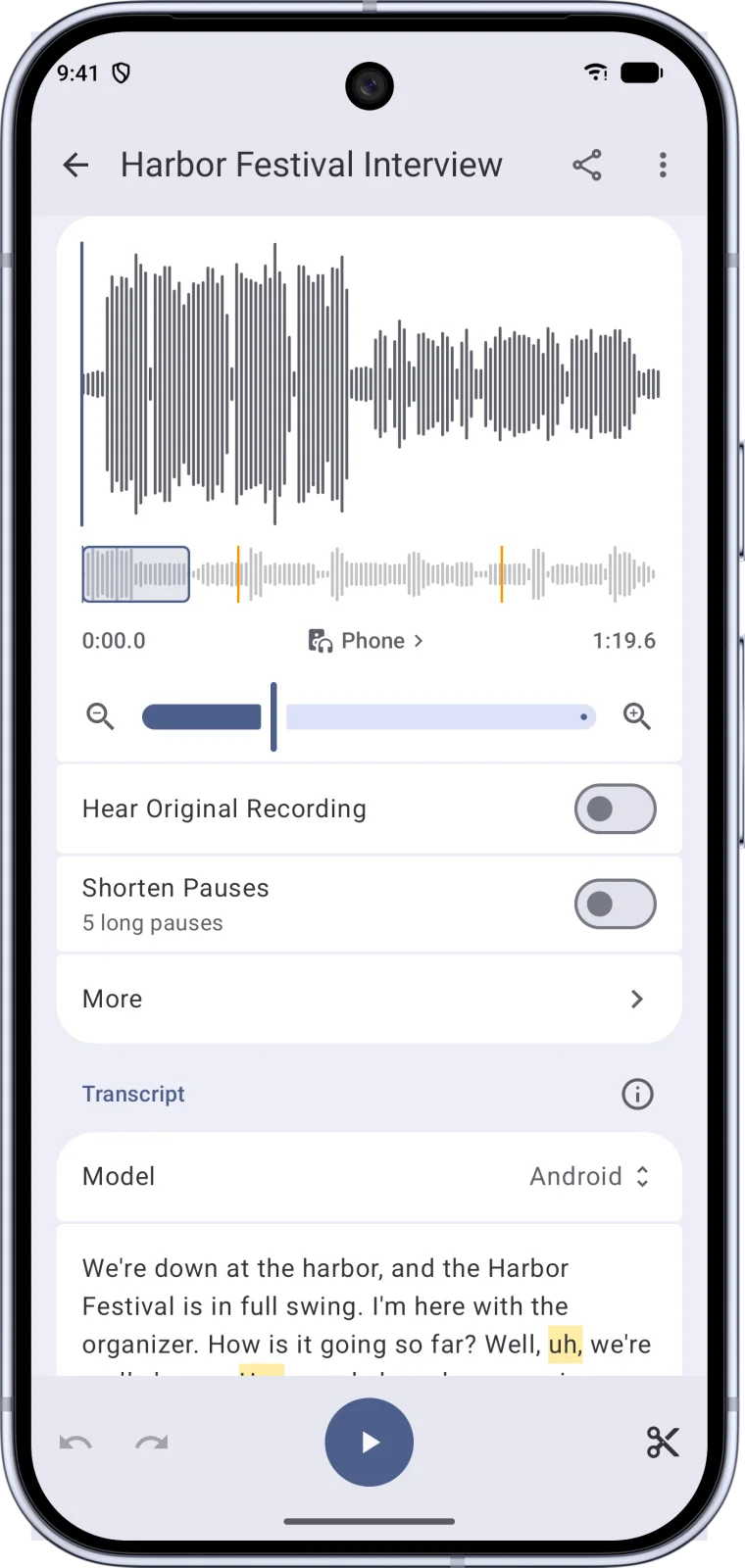 Coming soon
24-bit, with author and recording time in the bext chunk, the way playout and archive systems expect it.
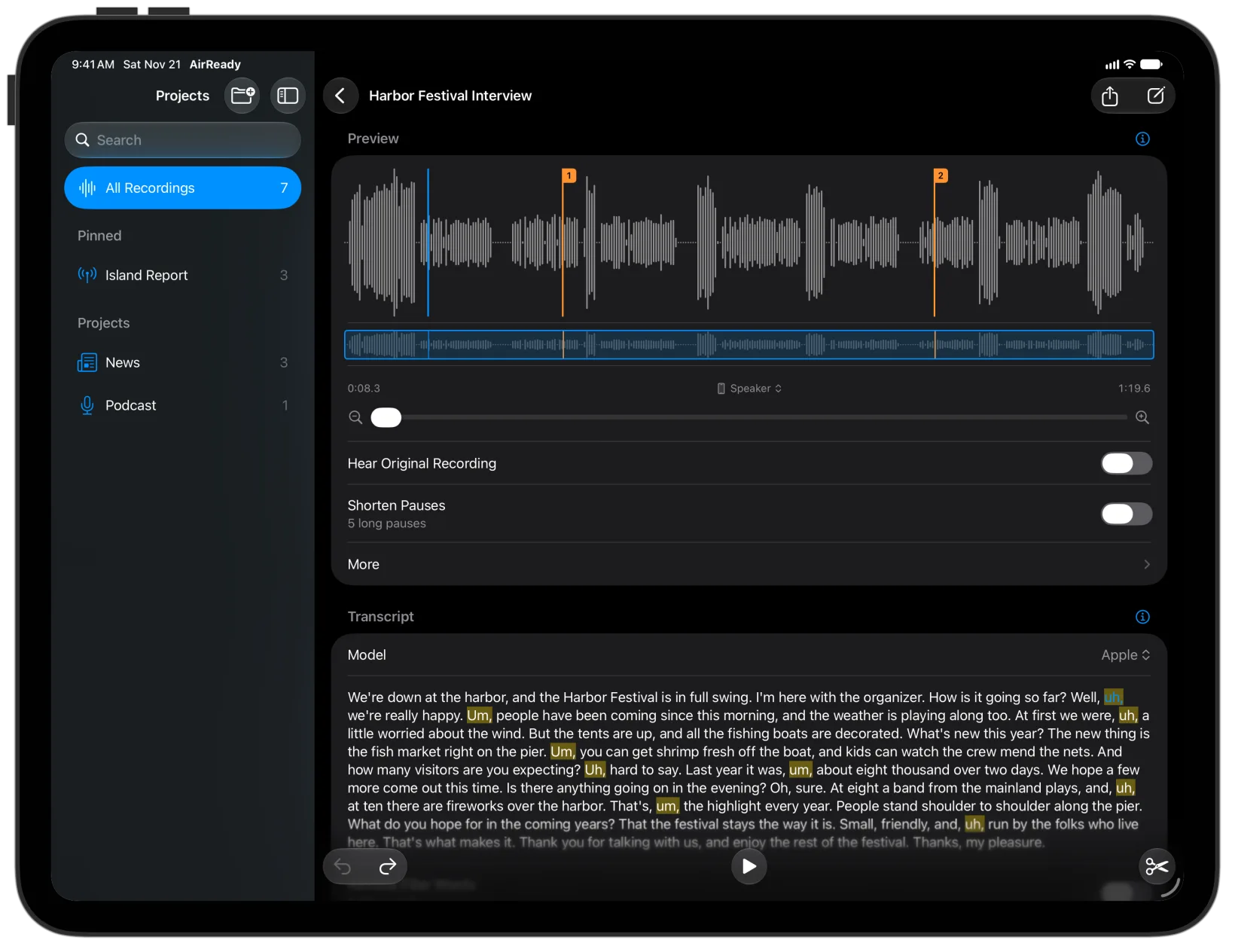
Set markers while you record. In the editor you jump straight to the spot.
The app finds long pauses on its own. One switch shortens all of them.
Sort recordings by show or assignment and pin the important ones to the top.
If you allow it, AirReady names the recording after the street you’re standing on.
You can pick Whisper as a second transcript engine. The app downloads the model once.
AirReady has no account and no server of its own. What you record on your iPhone, we never see.
Apple’s speech recognition runs on the device. The audio never leaves it, not even to find the ums.
You open the app and record. There’s nothing to sign up for.
The app has no analytics, tracking or advertising services in it.
Your recordings live on your iPhone and, if you like, in your own iCloud Drive.
Accessibility
AirReady works with VoiceOver, Voice Control and very large text, on iPhone, iPad and Apple Watch.
Three exports are included. After that, AirReady Pro lifts the limits.
Free
no subscription
Monthly or yearly
Priced in your currency on the App Store
Coming soon
For iPhone, iPad and Apple Watch. Android is coming soon. You subscribe on the App Store and cancel there too.
The download is free. Ten recordings and three exports work without a subscription. If you need more, you can subscribe to AirReady Pro in the App Store.
No. You open the app and record.
On your iPhone. If iCloud Drive is on, they’re also in your iCloud and show up on your iPad.
No. Speech recognition runs on the device.
Yes. The Android app runs on phones, foldables and tablets, and there’s an app for Wear OS watches as well. It’s coming soon to Google Play.
Yes. Besides broadcast at −23 LUFS, there are targets for podcasts (−16 LUFS) and streaming (−14 LUFS).
MP3, WAV, Broadcast WAV, AAC, Opus and FLAC. To keep working on another device, there’s also a file that holds the recording and your edits.
A question about the app, a bug or an idea? We’ll answer by email.
Prefer email? info@airready.de